

How to book PTE Academic using PTE Voucher


A step by step guide to booking PTE Academic Slot through PTE Voucher purchased from our website.
-
Know Your Details
Keep your Passport with you to enter the details accordingly. Cross verification will take place on the day of the test. You may search if your city is available on https://pearsonpte.com/the-test/test-centers-and-fees/ beforehand. You will need these details while booking your slot.
-
Create Your Account
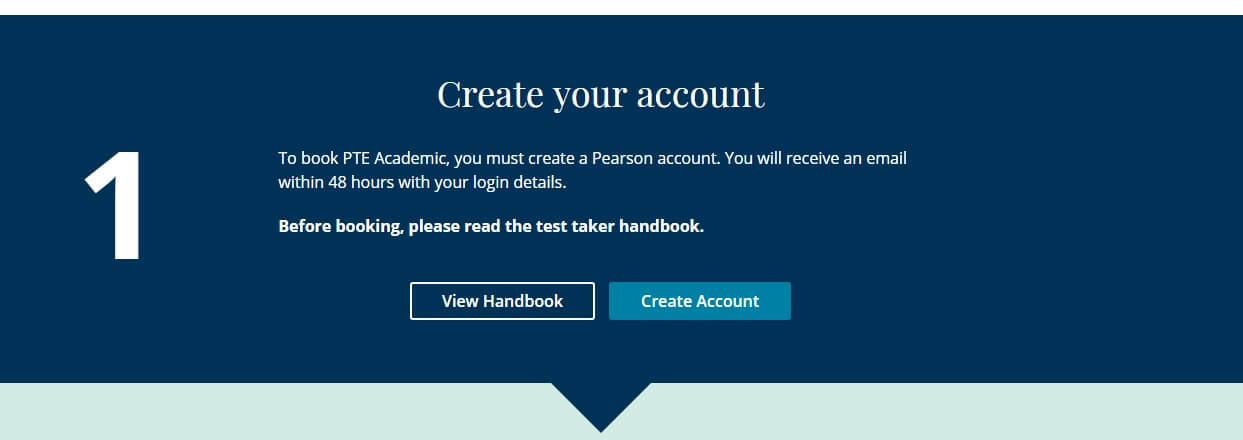
Go to //pearsonpte.com/book and click “Create Account”. You need to enter details in the next steps.
Read and Accept the policies.
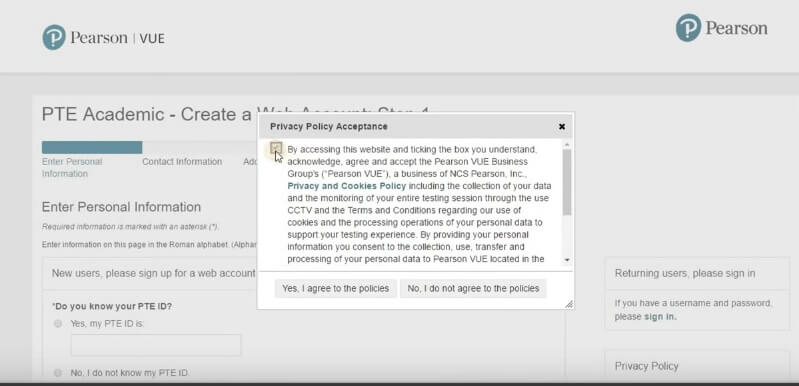
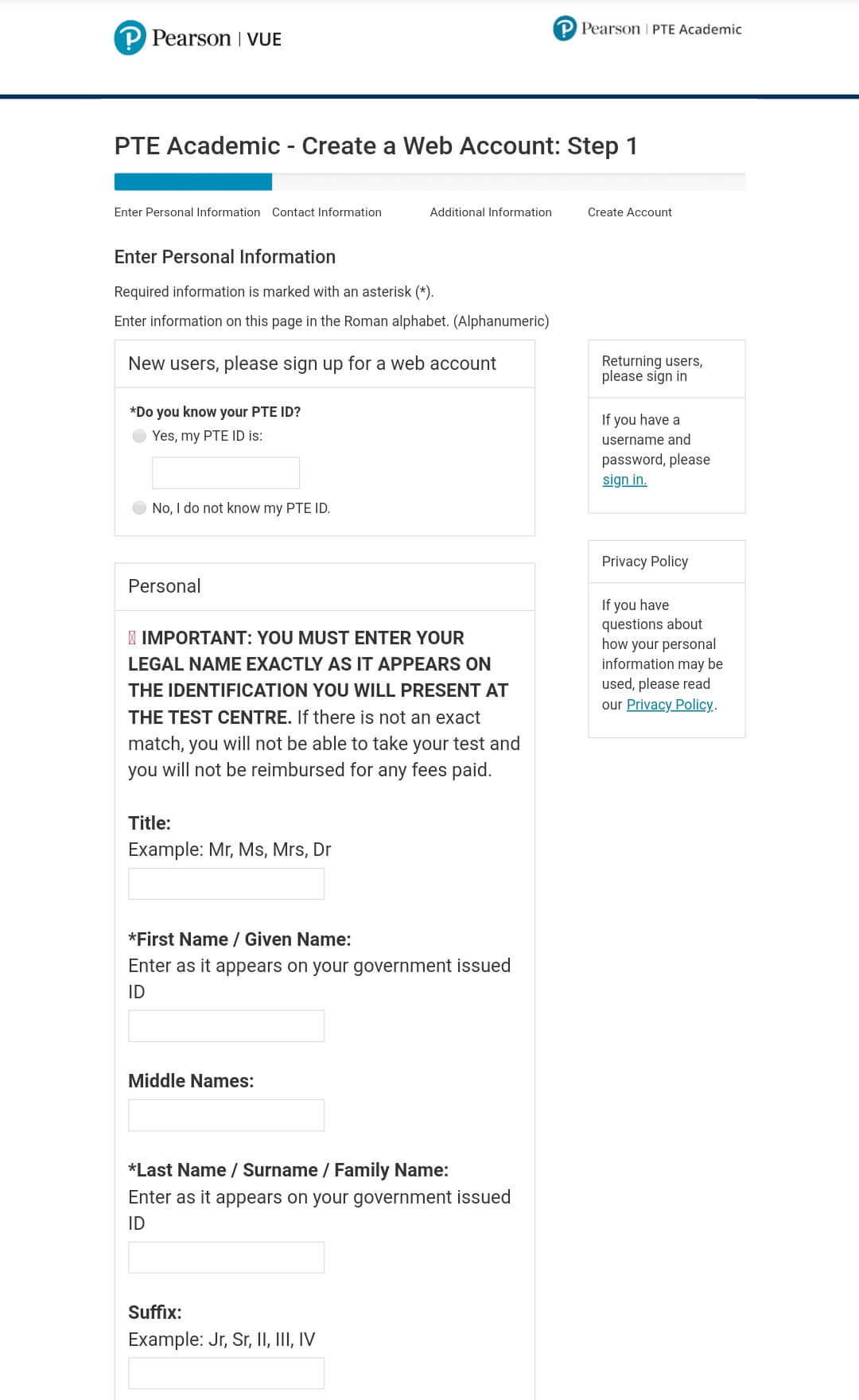
Select “No, I do not know my PTE ID” for a new registration.
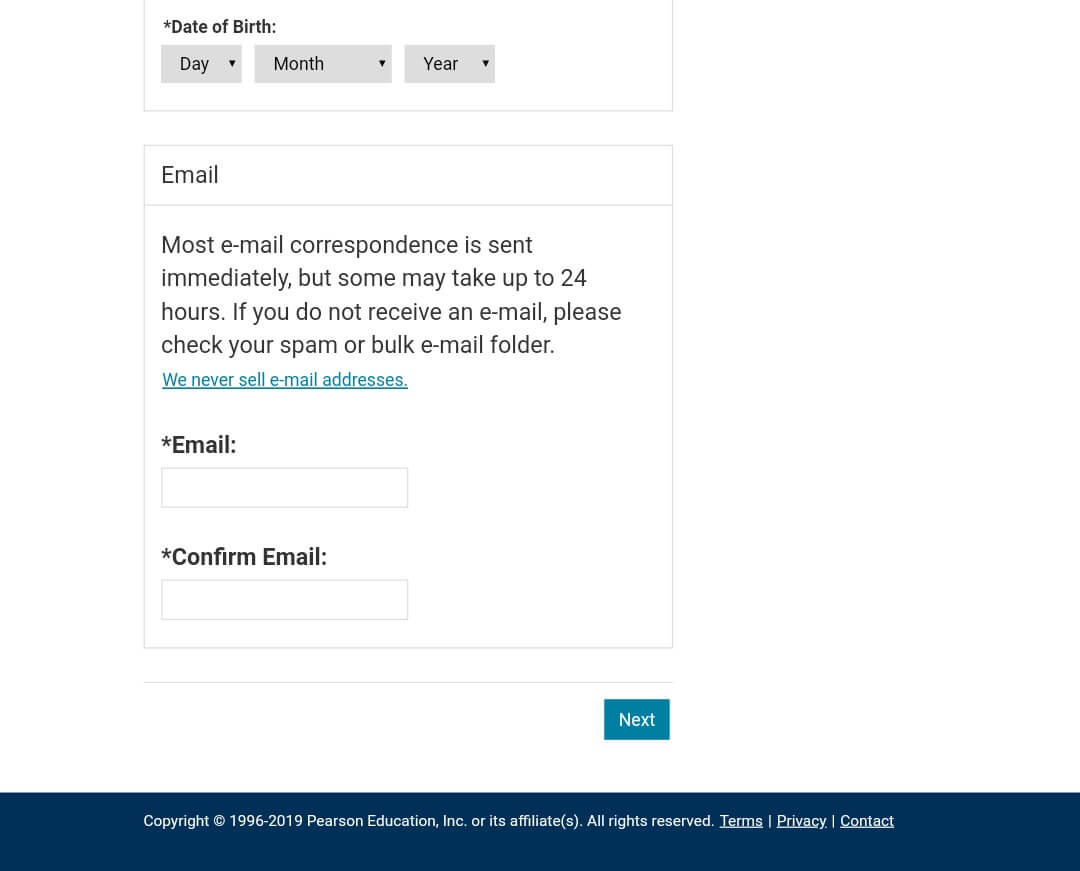
Enter Personal Info: First & Last Name, Date of Birth and Email. Click Next.
Enter Contact Information: Address and Telephone Number.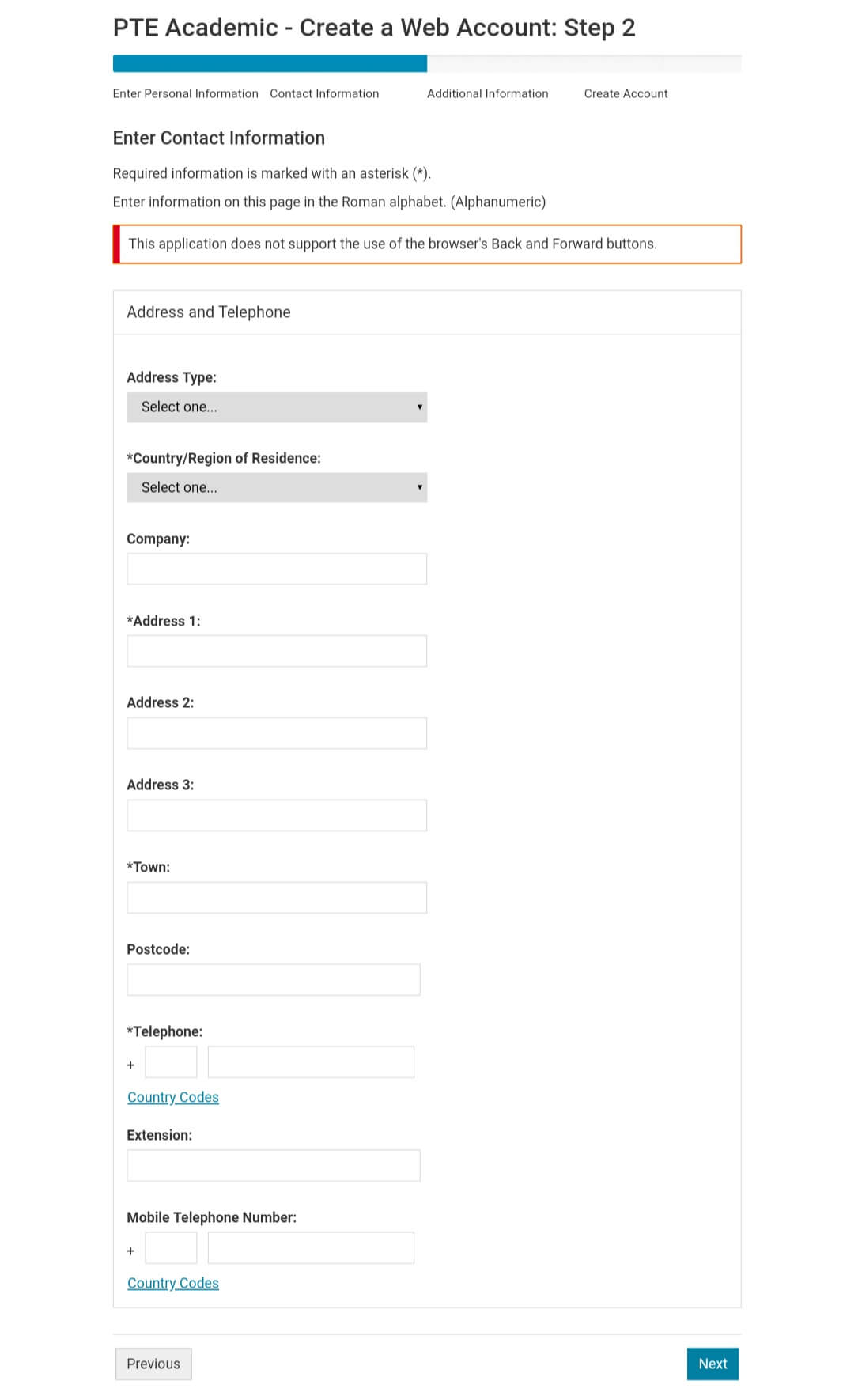
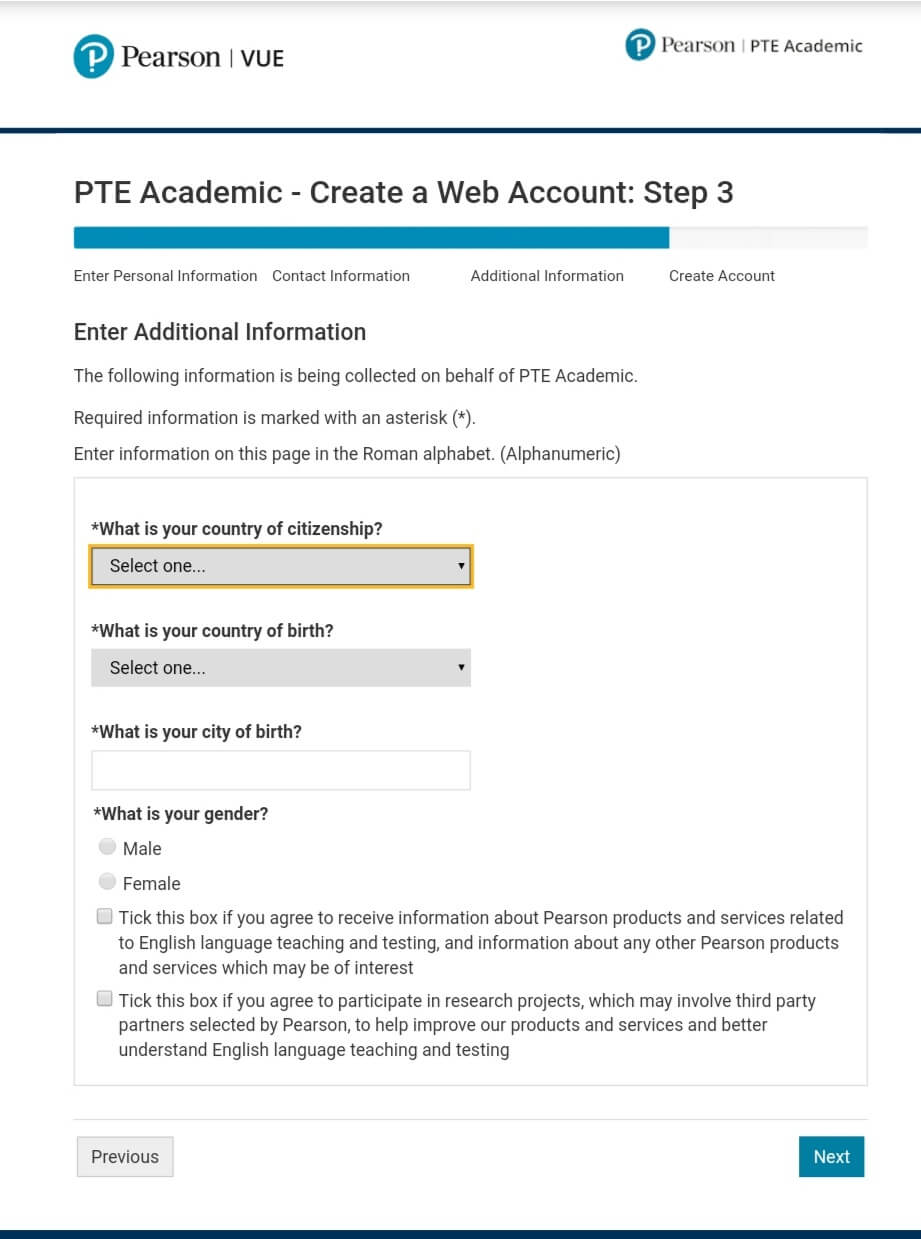
Enter Additional Information: Country of Citizenship, Country of Birth, City of Birth and Gender. You may or may not tick boxes in the end according to your needs.
Create Account: Create a username for yourself and check it’s availability. If it’s not available, create a different one.
Create a strong password as directed.
Select your choice of security questions. Note down these details for yourself. Click Finish.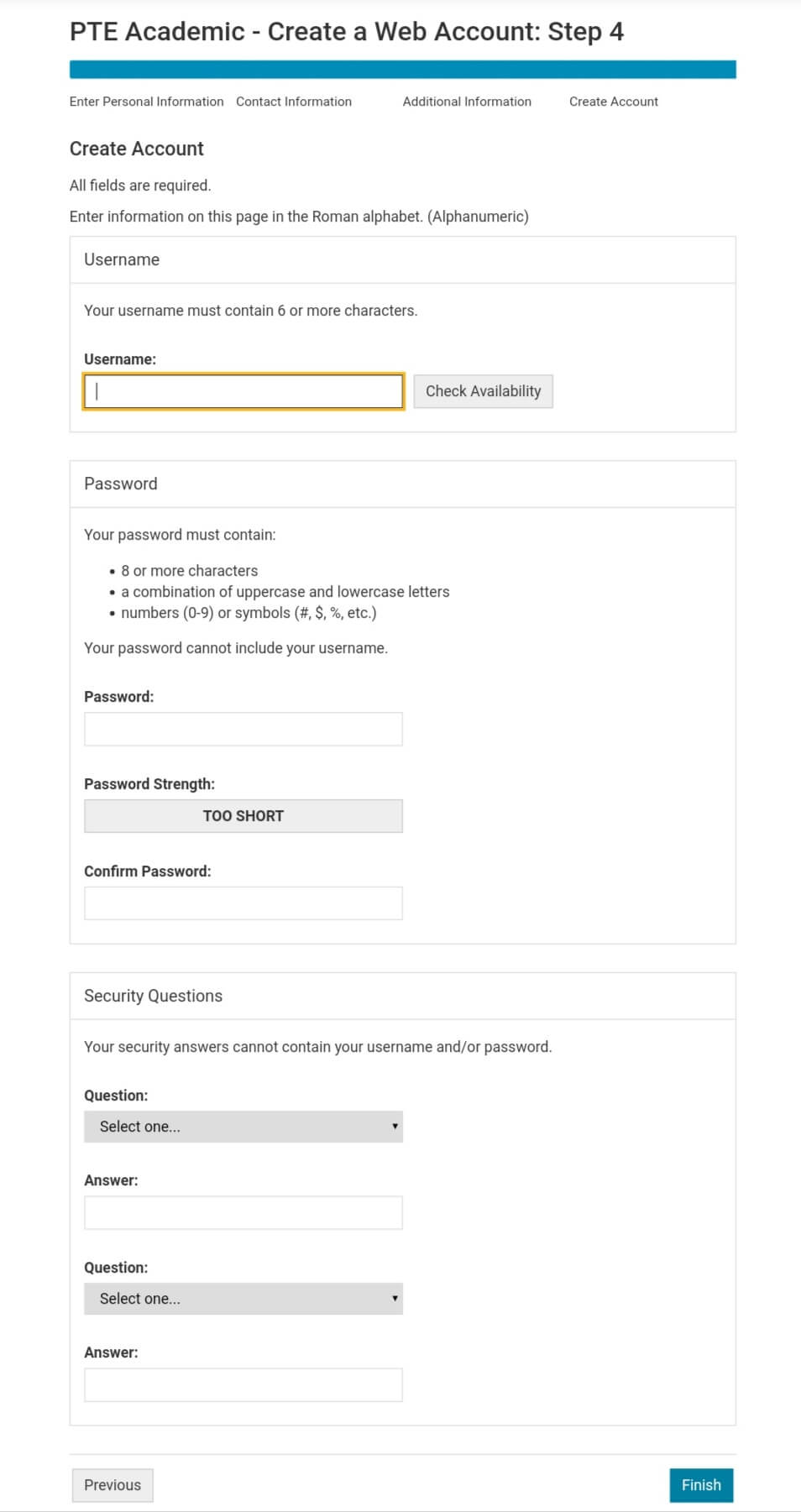
Start your PTE exam preparation on the right foot – try free PTE mock tests today!
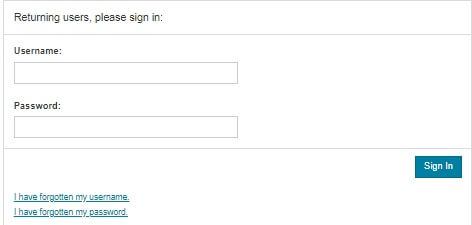
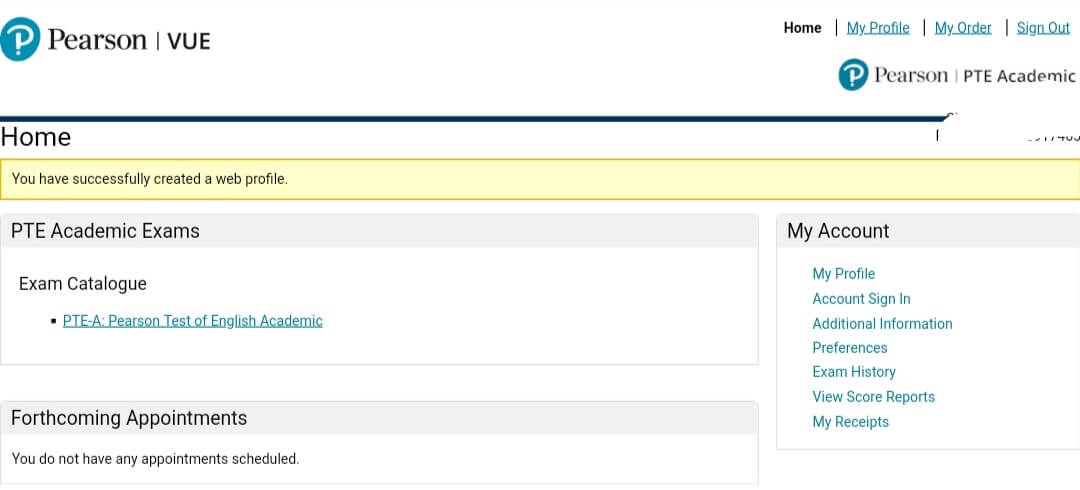
- You will now be logged in or may log in later by going to https://pearsonpte.com/book. Scroll down to see “Sign In” Option.
![book PTE Academic using PTE Voucher]()

- Sign in by entering your username and password.
- Click on “PTE-A: Pearson Test of English Academic” from the exam catalogue.
![book PTE Academic using PTE Voucher]()
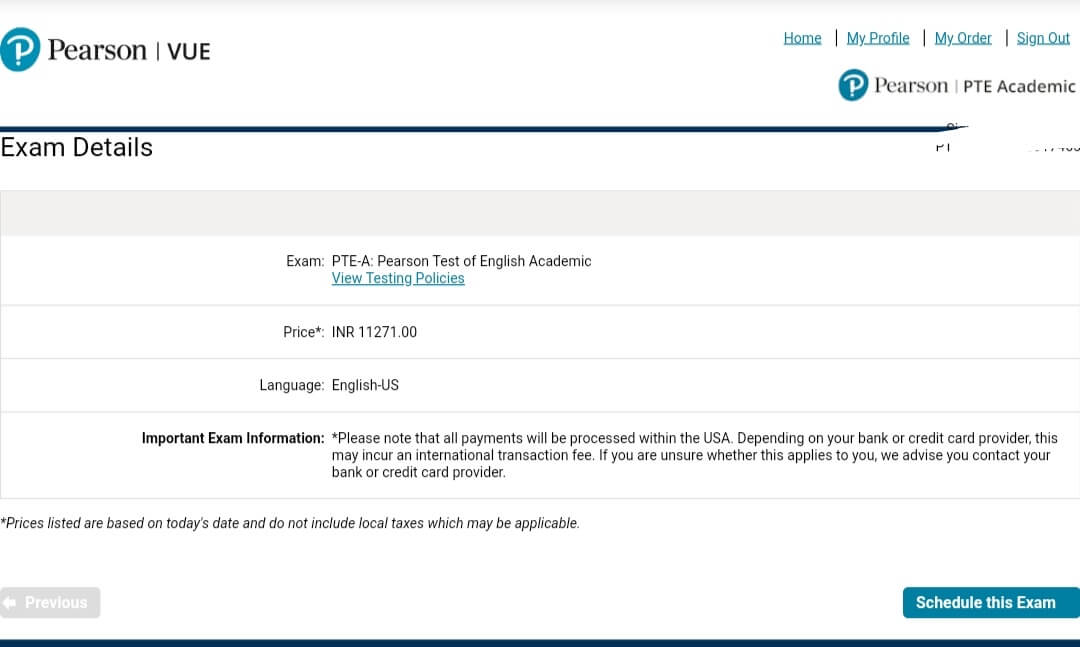
- You will see the details of the exam. Click “Schedule this Exam”
![book PTE Academic using PTE Voucher]()
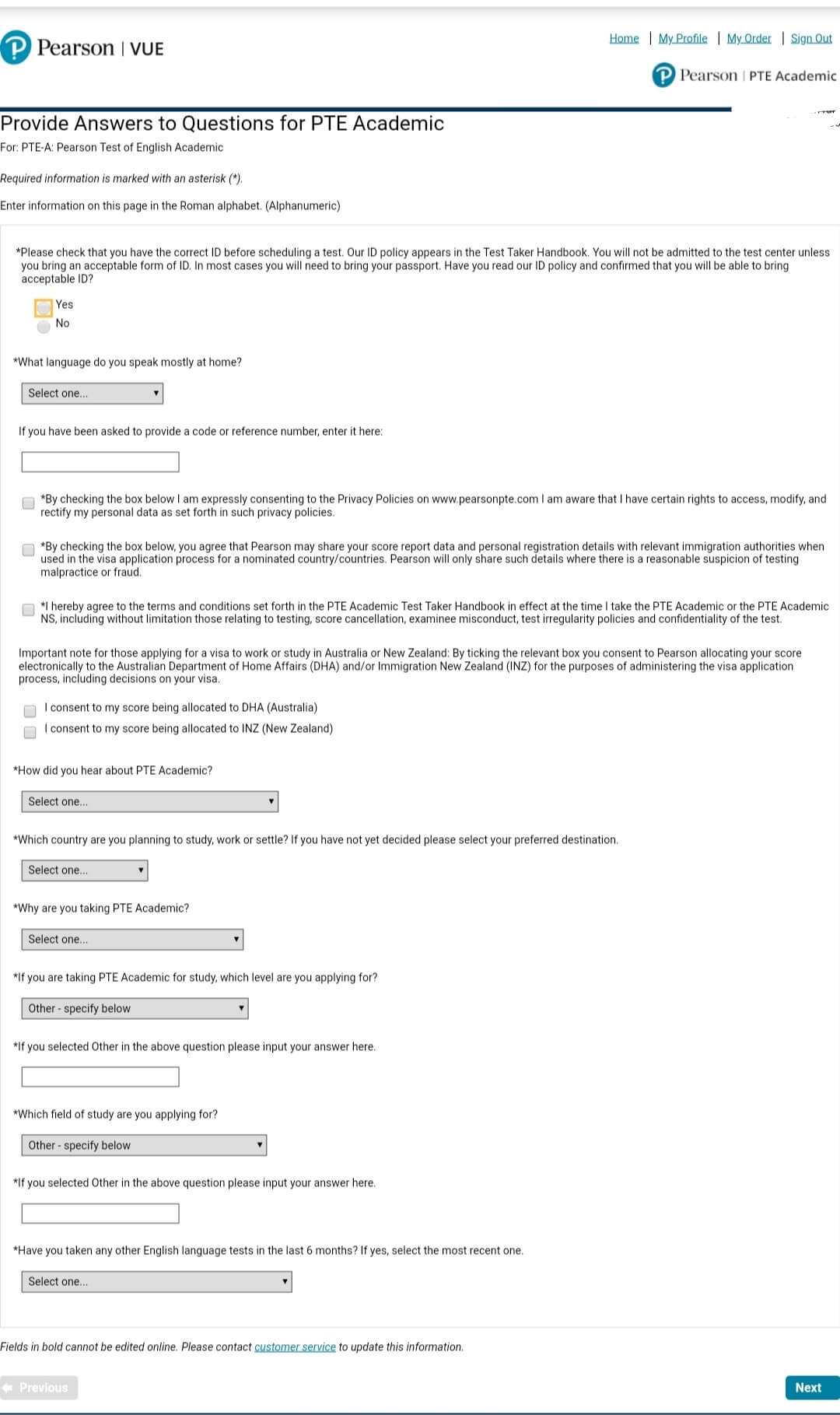
- You will be asked to answer questions.
- If you have checked correct id and read Test taker handbook.
- What language do you speak at home?
- Provide reference number, if any.
- Option to send scores to DHA and INZ.
- Question about why are you applying to this exam.
Answer all the mandatory and optional (if applicable) questions and click next.
-
Book PTE Academic Slot
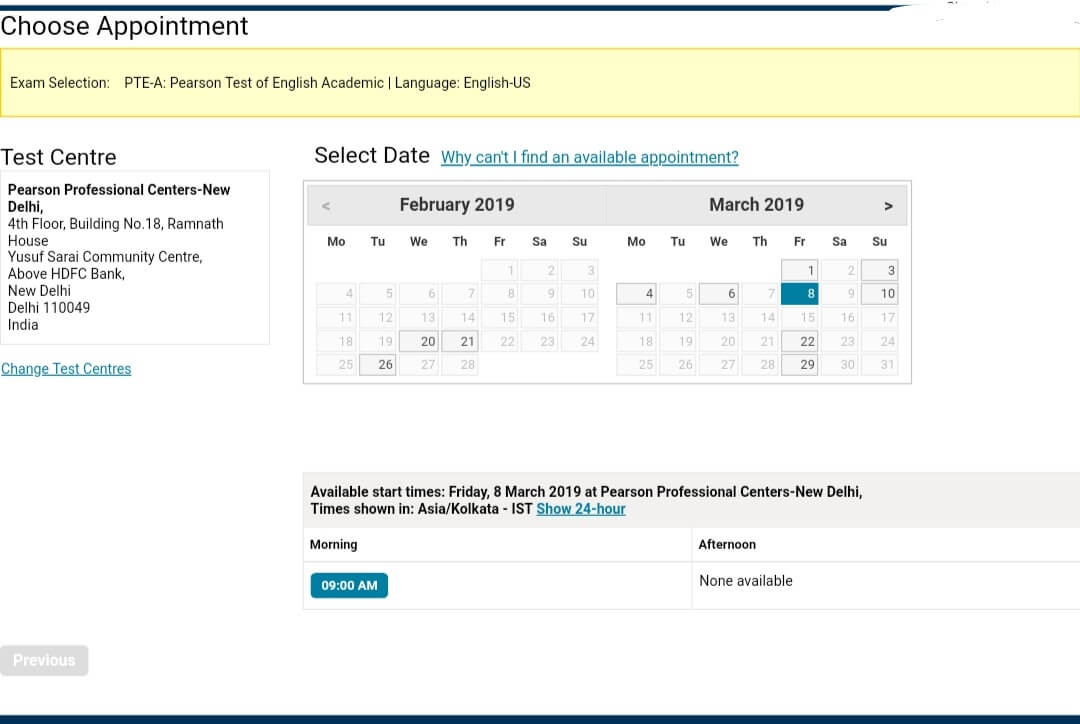
You may search a location by name or pin code. You can select up to three test centers.
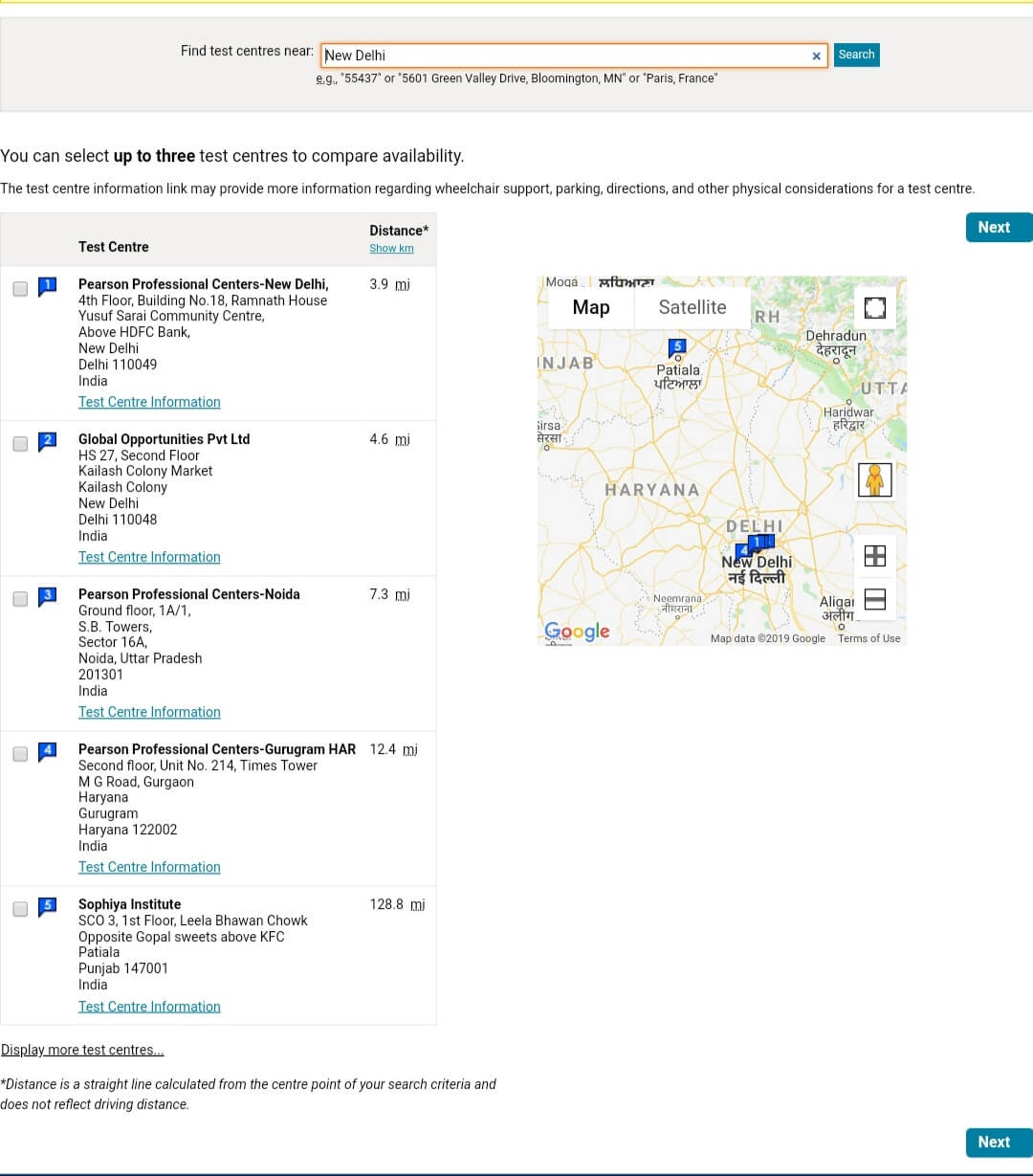
After choosing the test center, you will able to select a slot from the available date and time.
-
Review Your Details
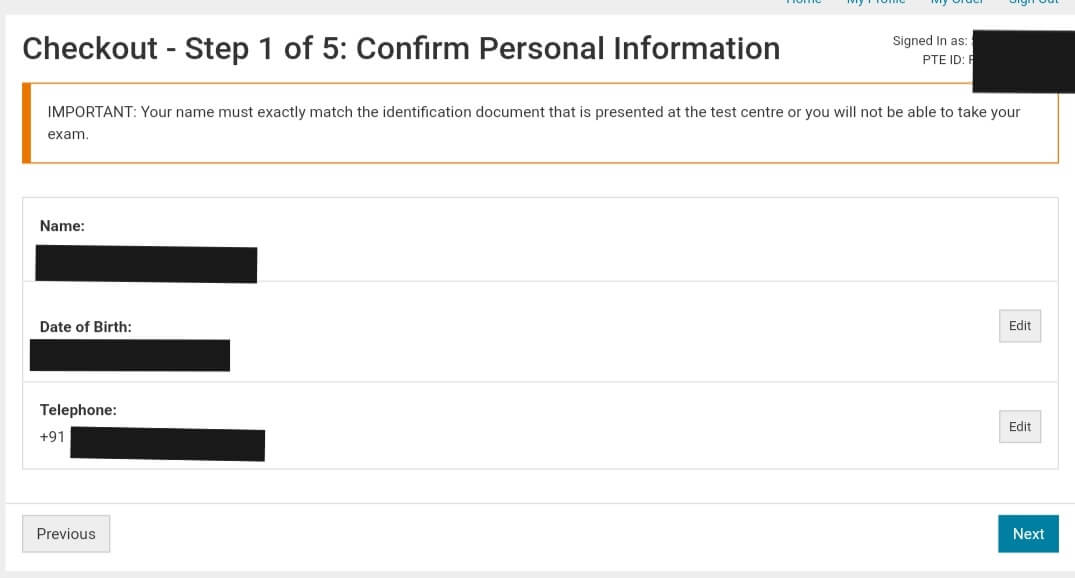
The next few pages will ask you to review your entered details. Please make sure they are correct. If not, you have the option to edit them.
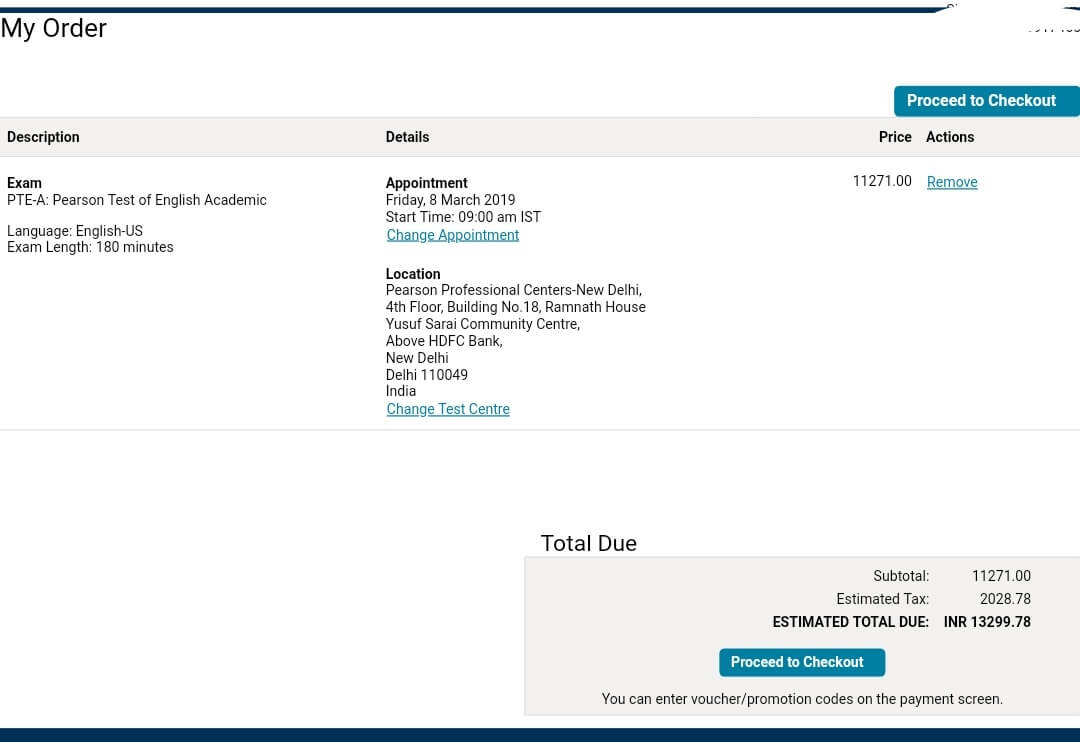
Your Order Details
Confirm Personal Info
Agree to the policies.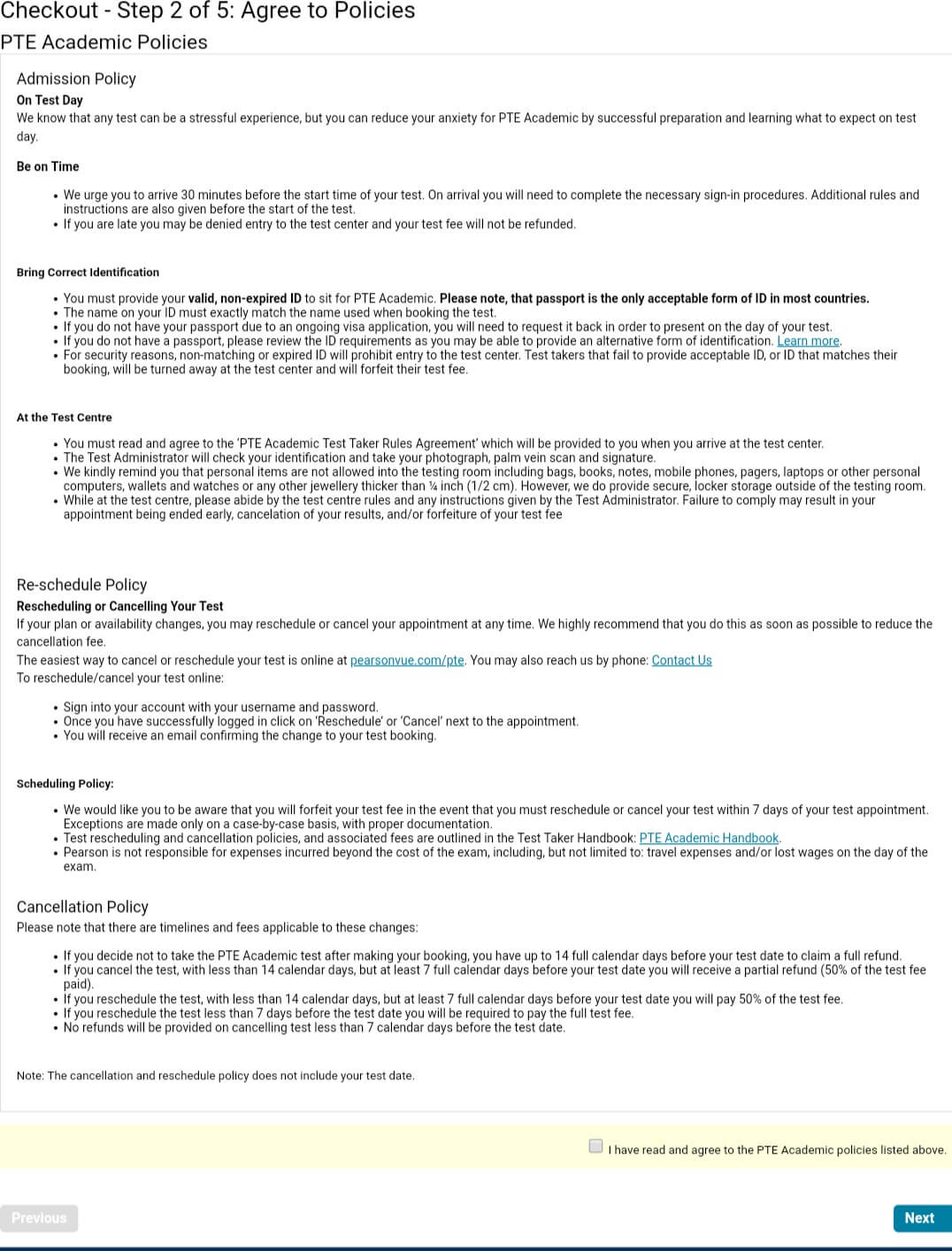
-
Payment
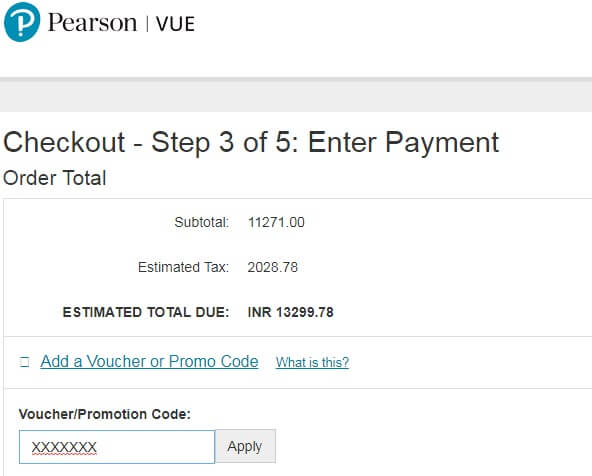
The step where you will need the voucher code, a code that comes with many benefits. Click the payment button and enter the voucher code. Upon applying, Your total will automatically turn to 0 INR. Continue the next steps by reviewing your details and confirm your booking.
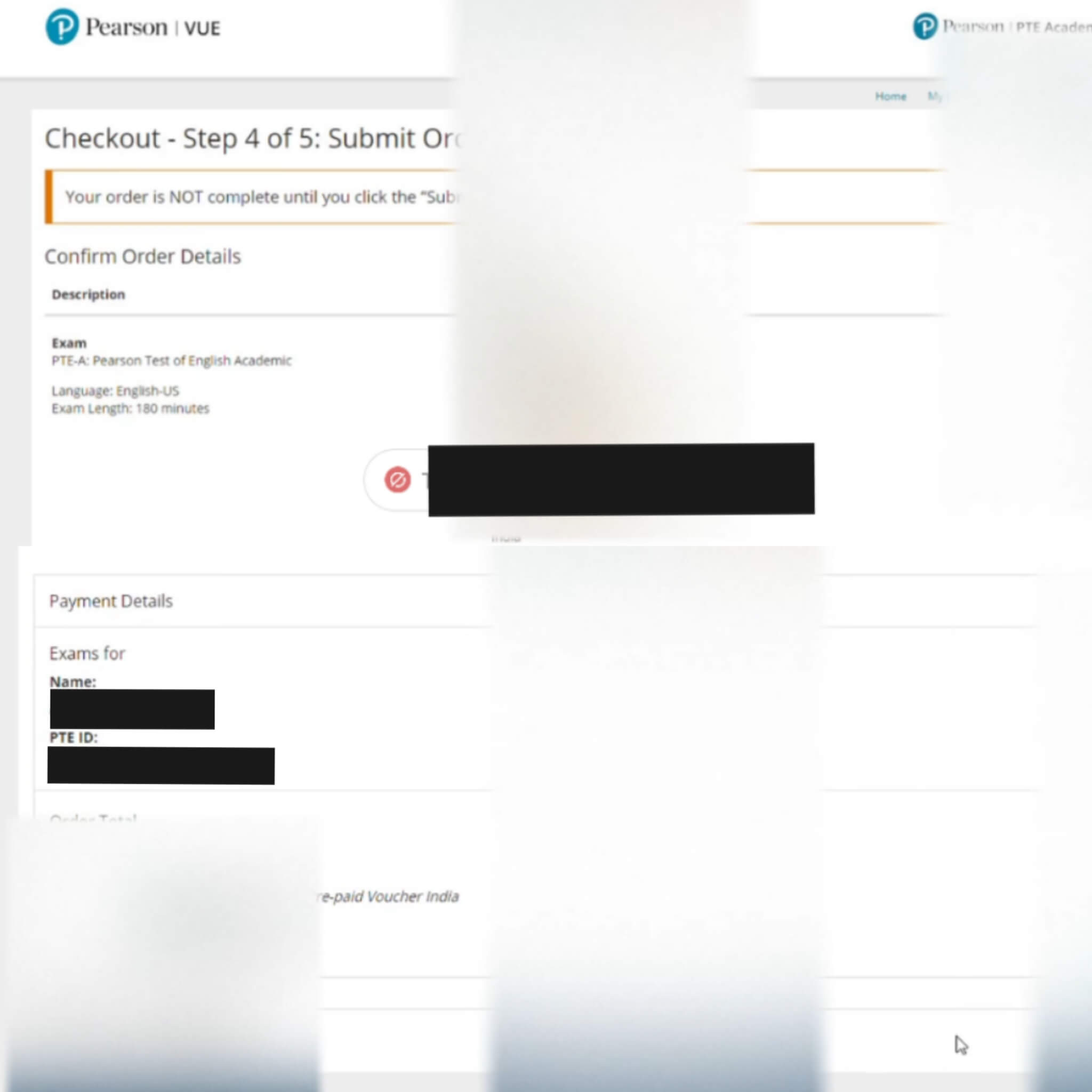
- Submit the Order to complete the procedure.
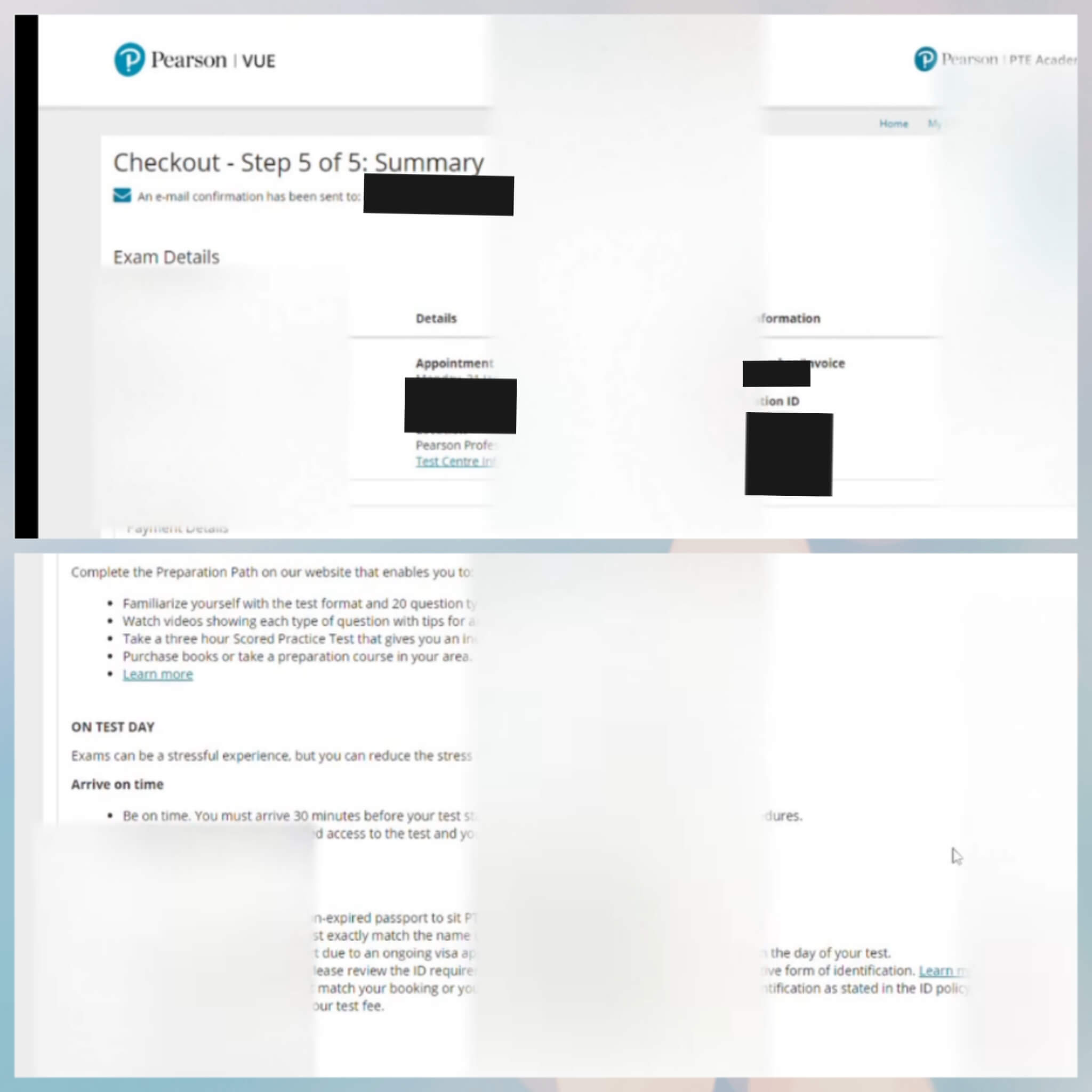
- The next page should show you a summary of the order confirming your submission.
NOTE: All the Items marked (*) are mandatory.
That’s it! You will receive an email from PTE Academic confirming your booking and containing other instructions.
Best wishes for PTE Academic, start preparing now with the free mock test we provide when you purchase the voucher and easy to remember tips!

1800 123 7977

+61 488 844 647