Key Takeaway
- Open Smart Prep through your myPTE account.
- You do not need to book a PTE exam first.
- Smart Prep includes free and paid preparation resources from Pearson.
- Start with one free resource and review your answers before opening another.
- Pearson sells a separate Scored Practice Test. Check the exact product before paying.
You want to start PTE Academic preparation, but you are not sure where to find Pearson’s materials. Or you have found Smart Prep and cannot decide what to open first.
We’ll walk through the access route, explain the free choices and help you plan a first study session. You do not need to buy a stack of resources before you begin.
What is Pearson Smart Prep?
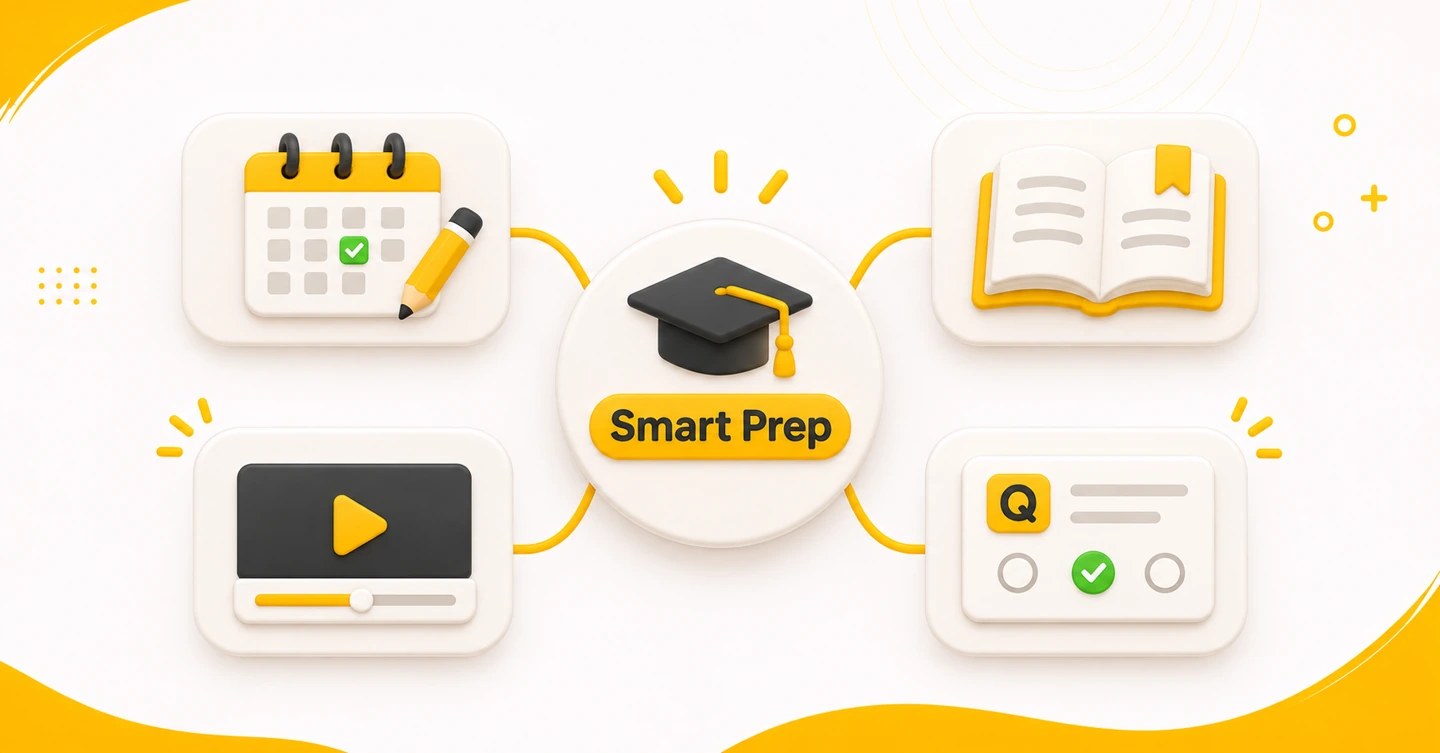
Smart Prep is Pearson’s preparation portal with free and paid PTE study resources. A portal is simply a place online where you find those resources.
You reach it by creating or signing in to a myPTE account. You can use Smart Prep before booking your exam. So start by exploring the study materials, even if you have not chosen a test date.
Think of the portal as your starting point. First decide what you need today: an explanation, a short practice task or a longer practice attempt. Then choose a resource for that job.
This guide focuses on PTE Academic. Pearson says the available resources depend on your chosen PTE test. Check the test name before following a lesson.
How do you open Smart Prep for PTE Academic?
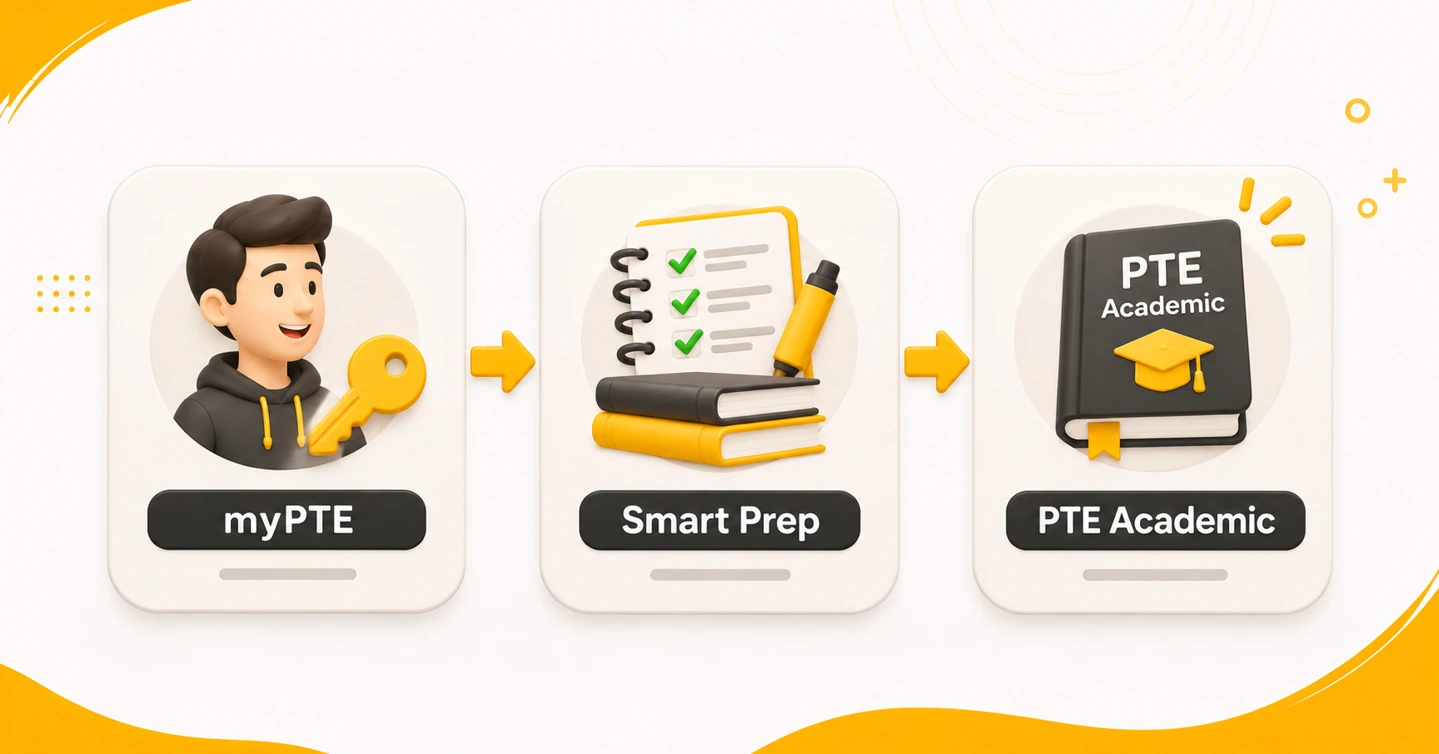
Begin from Pearson’s PTE Academic preparation page. Find its free-preparation section and follow the Smart Prep sign-up link. Use this official entry point rather than an unfamiliar shared login link.
- Create a myPTE account or sign in to your existing one.
- Open Smart Prep within myPTE.
- Check that you are looking at resources for PTE Academic.
- Choose one free resource from the options below.
- Read its instructions before starting the task or lesson.
An exam booking is not required to access Smart Prep. Do not book a test just to unlock your first study session.
Keep a short note of the resource name and the task you studied. A useful note is “Reading lesson: choosing a word that fits the whole sentence.” Next time, use that note to choose your next activity.
If you cannot find an item, return to Pearson’s preparation help page. Compare the resource name with the help guidance. Ask Pearson for help when your account does not match its instructions. Do not pay again simply because you cannot find a purchase.
Which free Smart Prep resources do you choose first?
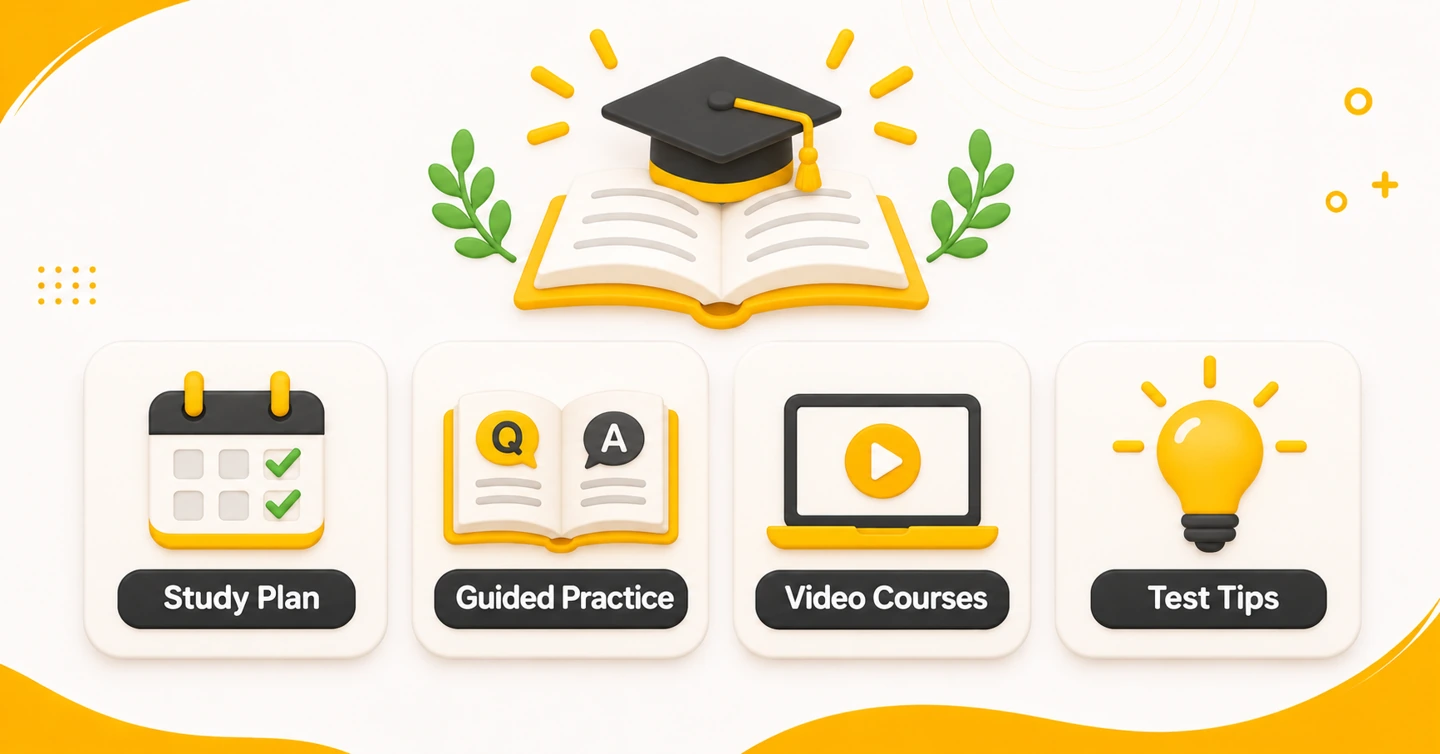
Pearson lists these free PTE Academic resources. The final column is our suggested way to start, not a rule from Pearson.
| Free resource | Choose it for | Our suggested first action |
|---|---|---|
| Study Plan — free | Deciding how to organise your study | Write down when you can study and choose one task for today. |
| Guided Practice Tests — free | Trying tasks with guidance | Attempt a short set, then read or listen to the answer review. |
| Video courses by skill — free | Working on Speaking, Writing, Reading or Listening | Choose the skill you want to study. Watch one lesson and try the related work. |
| Test Tips — free | Checking how to approach a question type | Read the tip for one task, then use it in your next attempt. |
Choose by your problem. If you do not understand a task, start with an explanation. If you understand the instruction but keep making errors, try guided practice and spend time on the answers.
Pearson’s guided Speaking and Writing practice includes sample answers. Try your own response first. Then compare one part with the sample. Note a missing point or a phrase that was hard to follow.
For guided Reading and Listening practice, Pearson describes feedback showing which answers were correct and incorrect. Read that feedback even when your first answer was right. Write down the clue you used rather than saving only an answer letter.
After a reading task, note whether you misunderstood the sentence or chose the wrong word form. Pick one of those problems for your next session. Our Reading practice guide gives more examples of reviewing an answer.
Do not turn the resource list into a daily checklist that must all be finished. Review one task until you can explain the correction, then try a fresh one.
When do you need a paid resource?
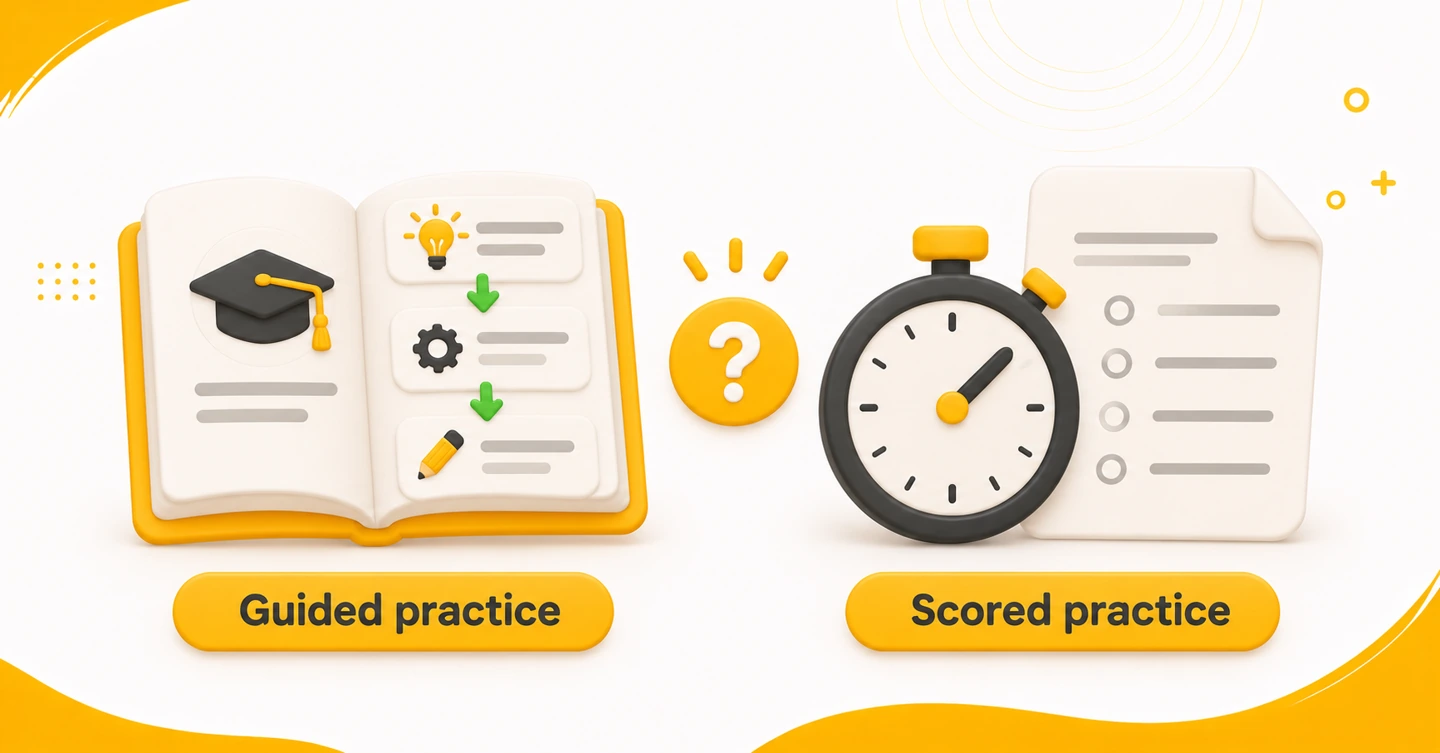
Start with the free material if you are still learning the tasks. Consider a purchase when you can name the gap it needs to fill.
Pearson sells a PTE Academic Scored Practice Test. That paid product includes a detailed Score Report.
Pearson’s Scored Practice Test is single-use. Set aside a quiet session for it rather than opening it just to browse.
Its report is not official certification. Your Scored Practice Test result does not guarantee the same score in the actual test. Use it to plan what to study, rather than treating it as a promised exam result.
Pearson also sells The Official Guide to PTE Academic. Our guide to official Pearson books and courses explains how to choose a resource by your study needs.
Before paying, check the product name, price, access period and what feedback it includes. Read the current product page rather than relying on an old price or someone else’s account screen.
For a purchased Scored Practice Test, Pearson’s access route is myPTE → Smart Prep → My Purchases. After an Official Guide purchase, Pearson emails an access code and instructions. Follow the route for the exact product you bought; do not assume every resource opens in the same way.
How can you use your first 30 minutes?
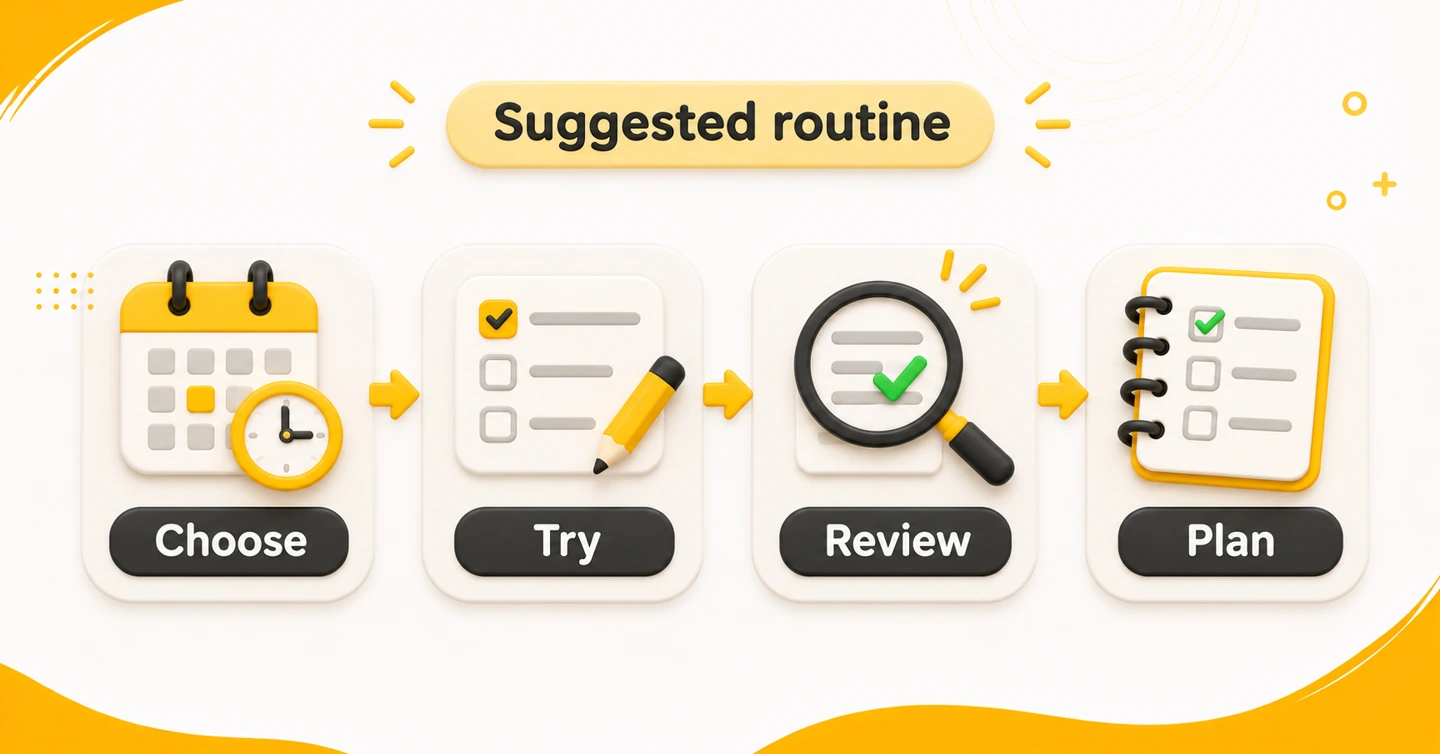
Try this small session once you have signed in. It is our recommendation, not an official Pearson timetable or a score promise. Spend the whole session on one task type.
| Time | Focus | What to do |
|---|---|---|
| First 5 minutes | Choose | Open one lesson or task. Write the resource name and your aim. |
| Next 10 minutes | Try | Read the instructions and complete a short activity. |
| Next 10 minutes | Review | Check the feedback or sample answer. Write one specific error or lesson. |
| Final 5 minutes | Plan | Choose a fresh task for next time and note what you will check. |
If you are learning a task for the first time, use the first attempt to understand it. For the next attempt, follow the preparation and response limits stated in that task’s instructions.
Here is a simple error note you can use:
Task: reading question.
Problem: I chose a word without reading the rest of the sentence.
Next action: read the full sentence before checking the options.
Use that note to choose tomorrow’s task. Avoid a note such as “Reading is bad,” which does not name anything to work on.
For a spoken response, record one specific issue you heard on replay. For example: “I stopped twice while searching for a word.” In your next attempt, focus on that issue rather than changing every part of your delivery.
If you only have ten minutes, shorten the number of questions. Keep a few minutes for review. When a full practice attempt is your next step, our mock-test review guide explains a longer practice cycle.
Frequently asked questions
Is Pearson Smart Prep completely free?
Smart Prep contains both free and paid preparation resources. Check which resource you are opening before you buy anything.
Must I book PTE Academic before using Smart Prep?
No. Smart Prep is available before you book your exam.
Where can I find Pearson’s scored practice option?
Pearson lists the Scored Practice Test as a separate paid product. Check that product’s details if a score report is what you want.
Which resource should I open first?
We recommend the Study Plan if you need a starting structure. Choose a video lesson when you need an explanation, then try a short guided task.
What if a paid test is missing from my account?
Check myPTE → Smart Prep → My Purchases for a purchased Scored Practice Test. If it is still missing, use Pearson’s preparation help page before making another payment.
What should you do next?
Open Pearson’s preparation page, sign in and choose one free PTE Academic resource. Finish one small activity and write one useful correction. Leave yourself a clear note about what to practise tomorrow.